Let Fate Decide – Spin Yes or No Wheel?
My Wheel
Entries
Manage names directly while viewing the wheel.
Entries
One item per line. Supports emojis and non-Latin text.
Use Home to edit entries side-by-side with the wheel.
Results
History of winners from previous spins.
Settings
When you’re stuck between choices and can’t make up your mind, why not leave it to chance? Our Yes or No Wheel lets you spin your way to a random answer, taking the stress out of decision-making. Whether it’s a big choice or just something small, let the wheel guide you with a simple “yes,” or “no!”
How to Use “Yes or No Wheel”
- Start the Wheel: Click on the spinning section to start the wheel’s rotation.
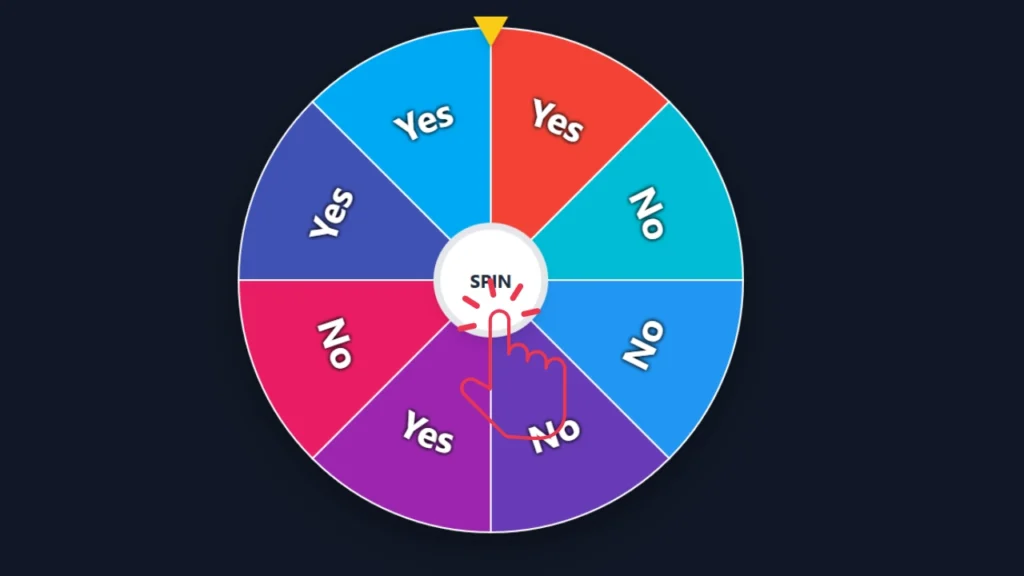
- Watch It Spin: The wheel will spin randomly and then stop, landing on one of the segments labeled “Yes” or “No.”
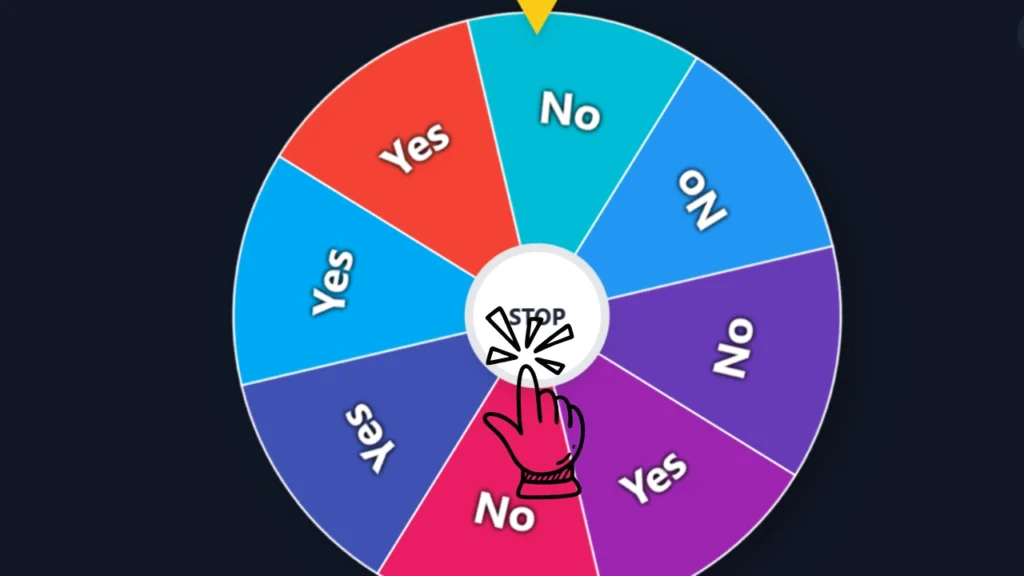
- Interpret the Result: The wheel stops on a segment, telling you if the answer is “Yes” or “No” based on where it lands.
- Repeat: You can spin the wheel again if you need more decisions made.
What is Meant by “Yes or No Wheel”?
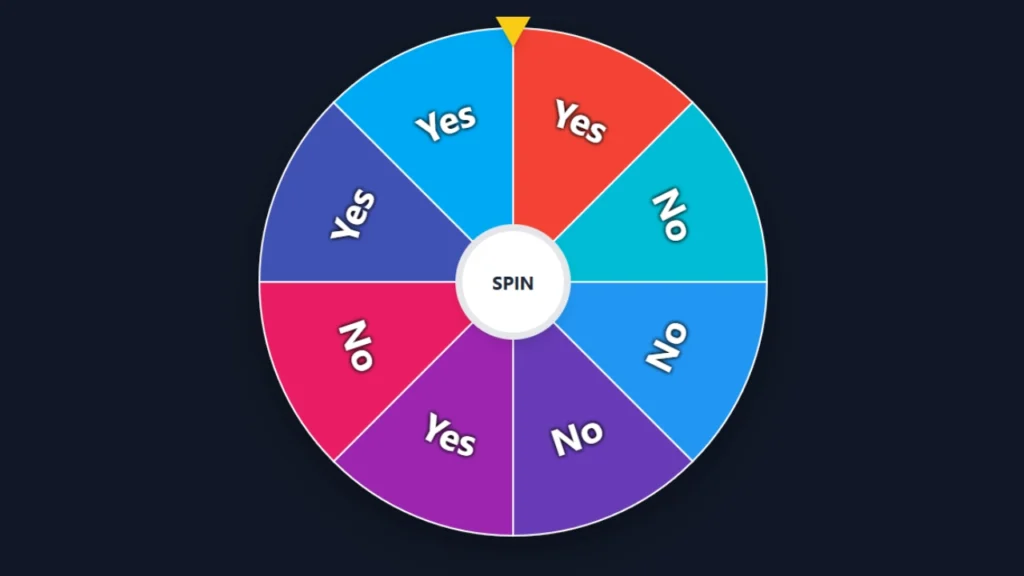
A “Yes or No Wheel” is a decision-making tool that provides quick, random answers by spinning a wheel. The wheel has sections marked “Yes” and “No.” When you spin it, it lands on one of these options. This helps you make decisions in a fun and easy way. It’s perfect for when you’re unsure and need an instant answer!
Features of Yes or No Wheel
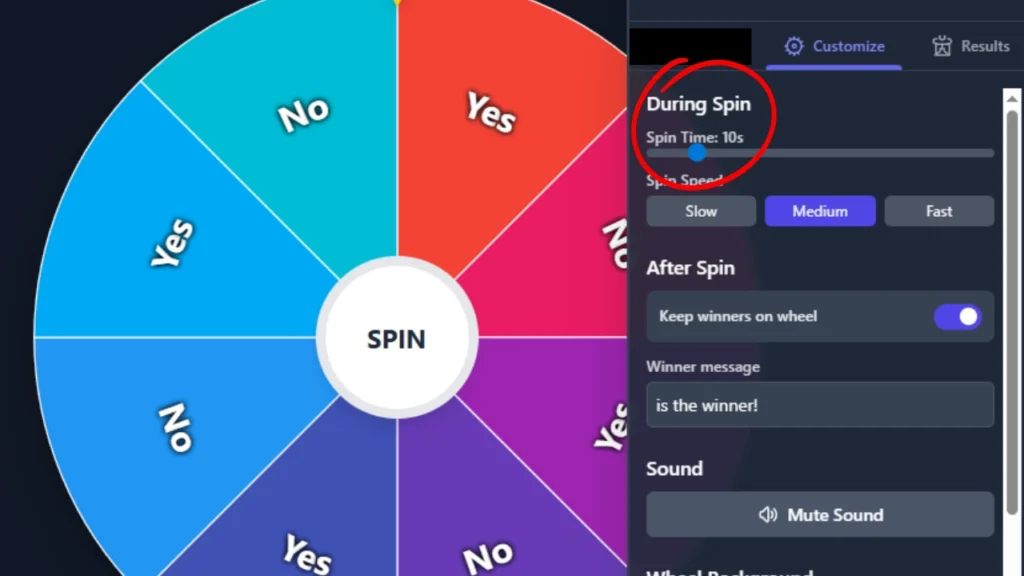
Adjustable Spin Duration
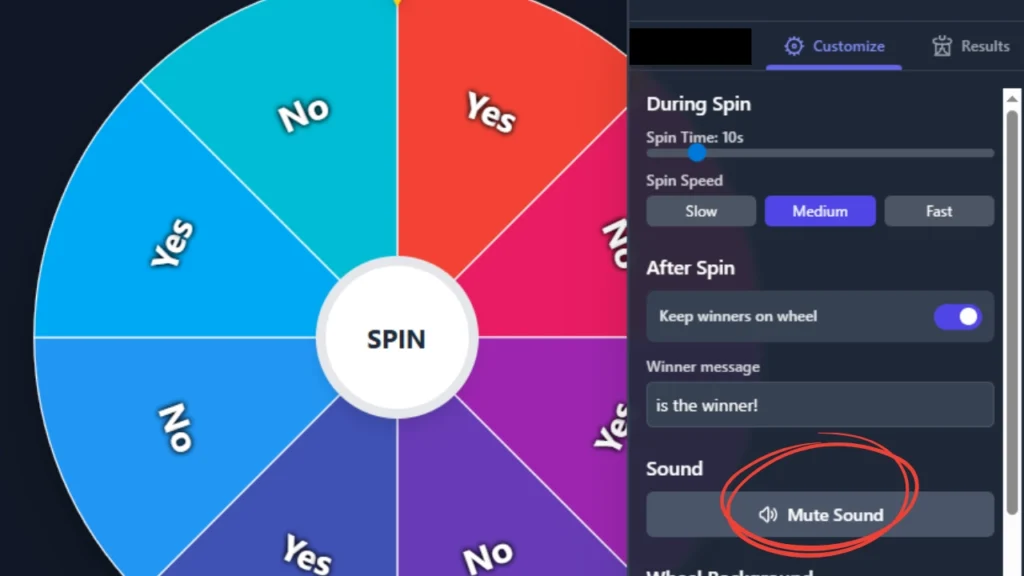
You can set how long the Yes or No generator spins before showing the result with the Spin Duration feature. The default spin time is 10 seconds. You can change it to suit your preference, whether you want a quicker or slower spin for the wheel’s yes or no experience.
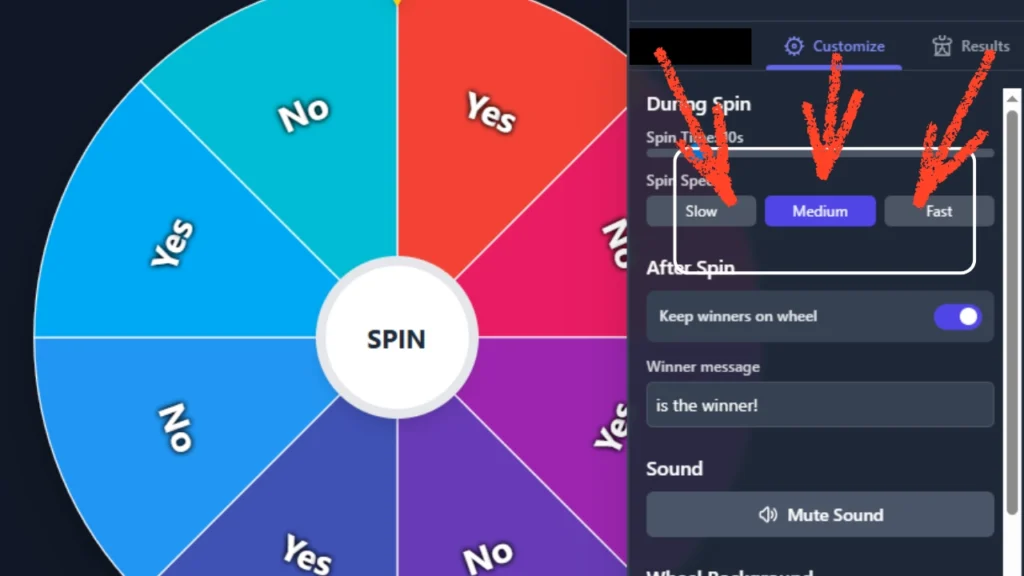
Spin Speed Settings: Slow, Medium, or Fast
The Spin Speed feature lets you pick from three settings: Slow, Medium, or Fast. This way, you can control how quickly the yes-no spinner moves. Whether you want to create suspense or keep it quick, you can tailor the spin to suit your event’s tone.
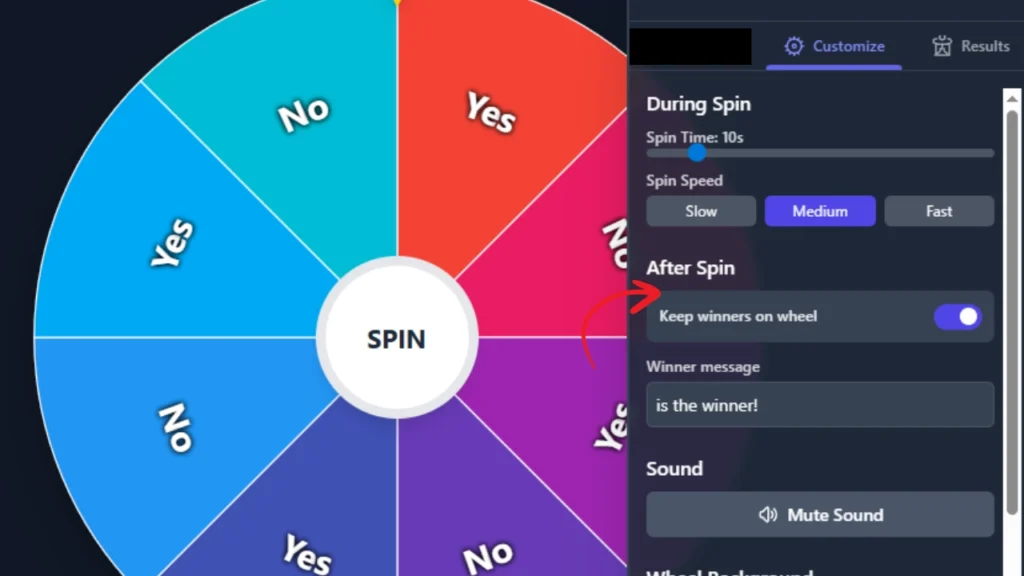
Post-Spin Actions
After spinning, you can set how the result is handled. You have the option to keep the winner on the wheel for future spins or remove them automatically. This is especially useful for a yes no generator where you might want to prevent the same outcome from being selected multiple times.
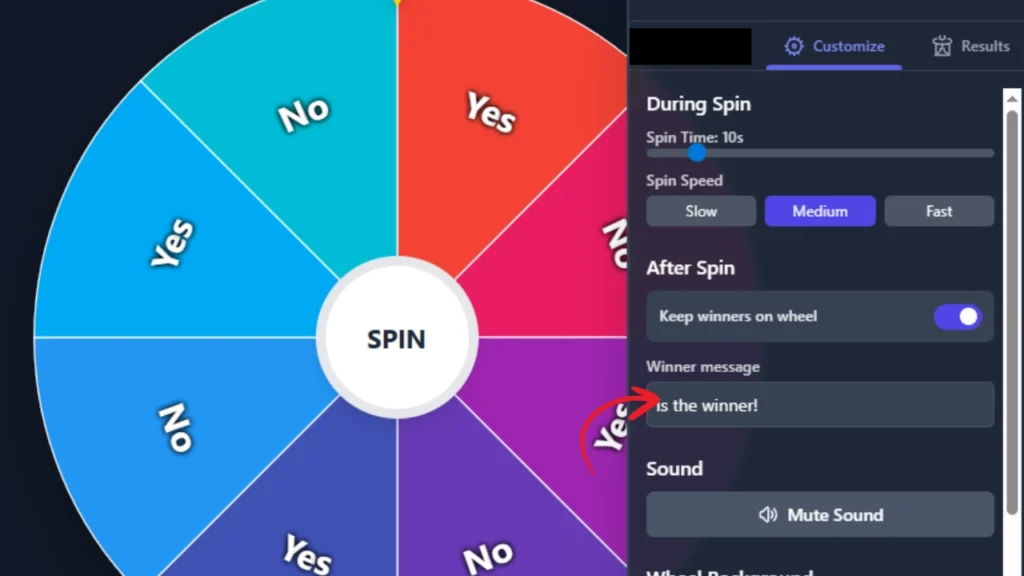
Personalized Winner Message
When the yes no spinner stops, you can customize the winner message. You can replace the default message (“This is the winner”) with a custom phrase, making it more fun or formal for your audience.
Sound Effects
The yes and no wheel can include sound effects to enhance the experience. A ticking sound builds anticipation as the wheel spins, and it stops when the wheel halts, making the outcome even more exciting. You also have the option to mute the sound anytime.
Wheel Background Customization
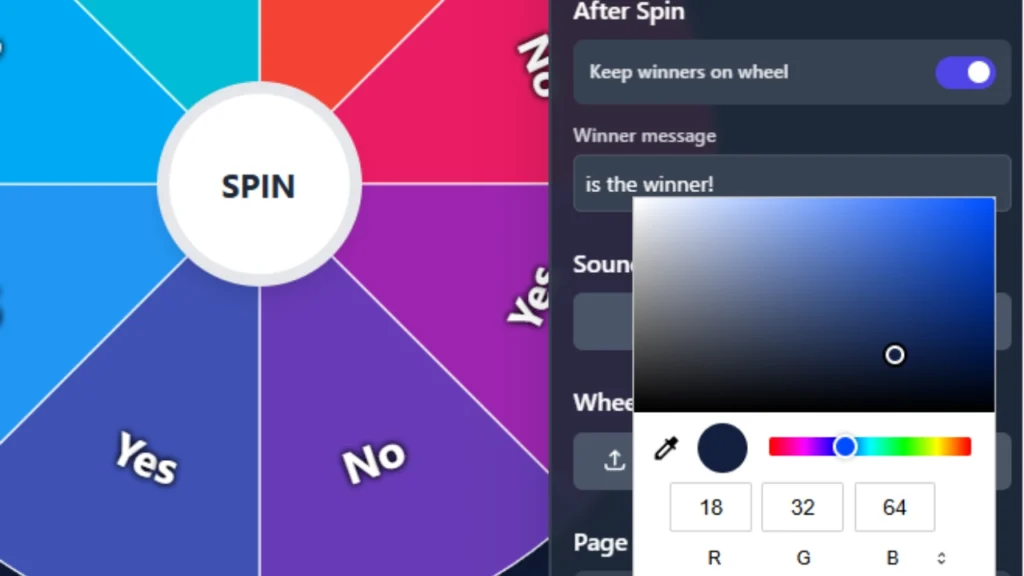
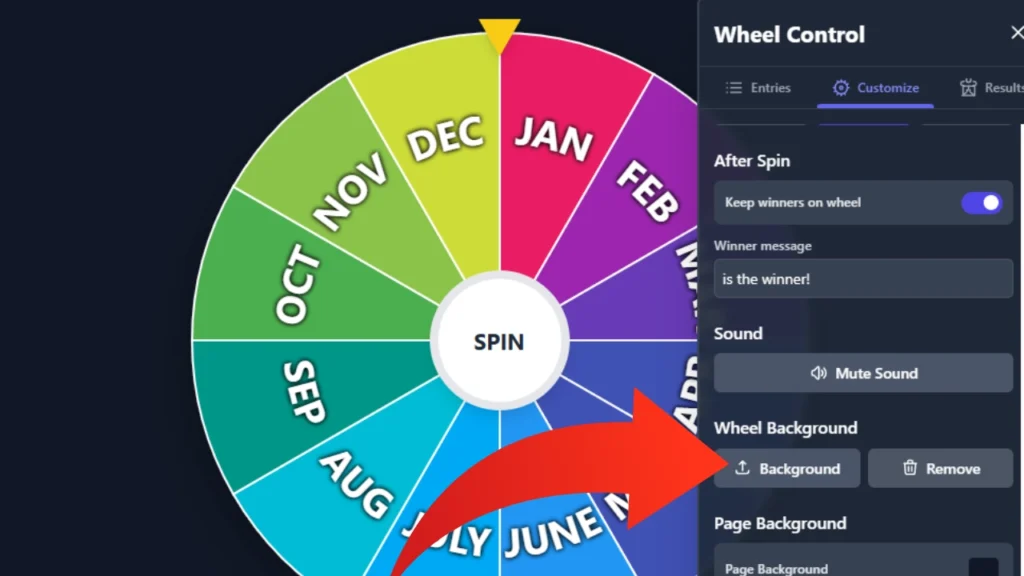
You can customize the background of the yes no spinner to match your theme. Whether it’s an image or a solid color, the customization option gives your yes and no wheel a unique look.
Full Page Background Personalization
Along with the wheel itself, you can also personalize the background of the entire page. This helps create a fully customized environment, perfect for an event or game where you’re using the wheel for decision-making.
Results History
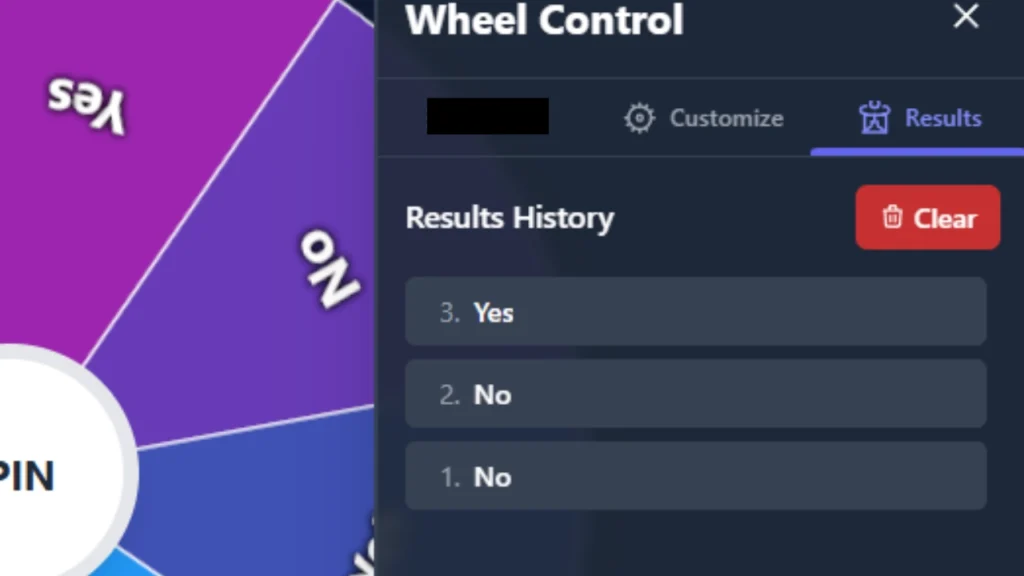
The Results History keeps track of every outcome from the yes or no generator, so you can review past spins. This feature is helpful for ensuring fair play and making sure each result is accounted for.
Additional Functionalities
Immersive Full-Screen Mode
For a more dramatic spin, switch the yes no spinner to Full-Screen Mode. This mode ensures all participants are fully focused on the pick yes or no outcome.
Adjustable Wheel
You can resize the wheel yes or no to fit any platform or space. Whether you’re using it online or at a physical event, adjusting the wheel size makes it adaptable to any setting.
Privacy Controls
With privacy settings, you can control who has access to the wheel and decide yes or no. Whether your event is private or public, you have full control over who can participate and view the outcome of each spin.
Everyday Applications of the Yes or No Wheel
The Yes or No Wheel is a handy tool for everyday decisions. It offers a quick and fun way to tackle simple dilemmas or make choices. Here are some practical applications:
Choosing Where to Go or What to Do
Struggling with where to go for lunch or what movie to watch? You can use this to decide. Just input your options into the wheel and let it make the call for you. It’s an easy way to remove indecision and add a little fun to the process.
Randomizing Small Tasks
If you’re stuck on who to pick for a task, like doing the dishes or choosing the next activity, this is a great way to assign tasks randomly. You can even use it to settle debates in your family, workgroup, or among friends.
Making Quick Decisions
When faced with a simple decision, such as “Should I go for a walk?” or “Should I eat that dessert?”, the Yes No generator can provide an immediate answer. It’s perfect for those moments when you want a fast and unbiased choice, whether you’re deciding on an activity or a small purchase.
Daily Habit Decisions
To stick to daily habits, like going to the gym or skipping a workout, use the spinner. It can motivate you and help make the decision for you. It’s also handy for deciding on habits like what to read or which hobby to focus on next.
Game Time Decisions
In group games or casual activities, this can be a great tool for deciding who goes first, who’s the winner, or other quick decisions. It’s particularly useful in casual games or party settings where a random decision is needed quickly.
Is the Yes or No Wheel a Free Tool and Who Created It?
The Yes or No wheel is a free, online tool widely used for activities such as prize drawings, group assignments, and classroom engagement.
This tool updates the old idea of using spinning wheels for random selection. This practice goes back to early sports and festivals. The “yes or no wheel” is a popular digital tool for fair classroom participation, but its origins are unclear. Its ease of use and engaging nature have since led to its adoption in various other areas.
Frequently Asked Questions
What is a Yes or No Wheel?
A Yes or No Wheel is a random decision tool, spinning between “Yes” and “No” (or other options), often used for fun or quick decisions.
How does the Yes or No Wheel work?
Simply spin the wheel, and it randomly lands on “Yes” or “No” (or custom choices). It’s great for making fast decisions.
Can I customize the Yes or No Wheel?
Yes, you can change the background, spin speed, and winner messages to personalize the wheel for your needs.
How do I use it for decision-making?
Enter your choices, spin the wheel, and follow the random result, perfect for quick decisions like “Should I go to the gym?”
Can I use it for online events?
Yes, you can easily integrate the Yes No Spinner into websites or events for raffles, giveaways, and more.